Universal Robots
URCap Plugin.
Free download.
Drag-and-drop control of Ubiros electric soft grippers directly inside Polyscope. No external boxes, no air lines, no manual coding.
What is URCap?
UR's official plugin platform. Ubiros on board.
URCap is Universal Robots' official plugin platform for integrating third-party hardware directly into the UR cobot ecosystem. Once installed, your Ubiros gripper appears as a native device inside Polyscope — with visual program nodes, force and position control, and full grip feedback, all without writing a line of code.
The plugin supports the full UR e-Series lineup and uses the same 24 V DC power and data interface your robot already provides. No external controller boxes, no compressed air, no infrastructure to add.
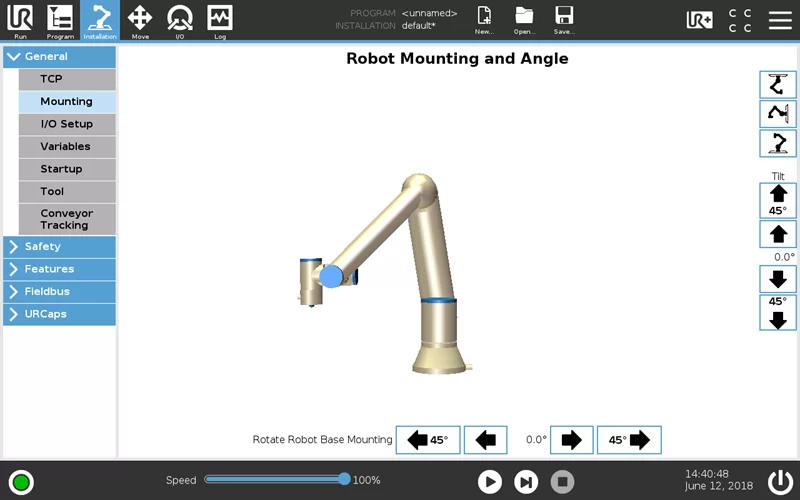
Installation
Six steps from download to working gripper.
-
Copy to USB
Copy the downloaded .urcap file to a USB stick.
-
Insert the USB
Insert the USB into the UR teach pendant.
-
Open URCaps settings
On the pendant, go to Settings → System → URCaps.
-
Add the file
Select the .urcap file, add it, and restart the robot when prompted.
-
Access the new tab
After restart, a new Ubiros tab appears in Polyscope. Open it to configure your gripper.
-
Program grip actions
Drag program nodes into your robot program to configure grip and release actions per task.
Download
Choose your version.
The stable release is recommended for production. The beta includes the latest features — feedback welcome.
Questions about
the integration?
Drop us a line and an engineer will come back to you with answers.